Overview
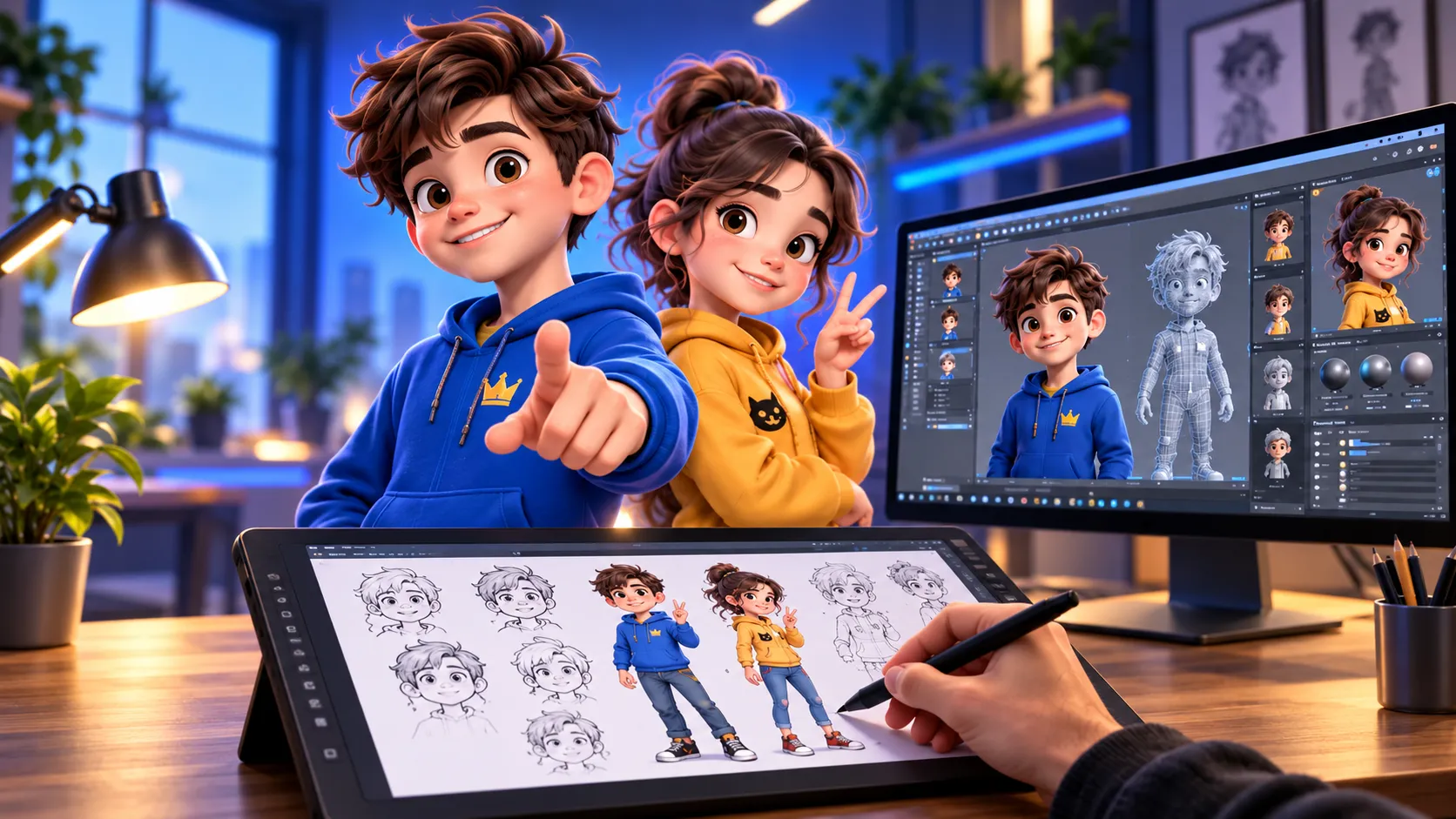
Bring your cartoon ideas to life with Cartoon Creation and Animation Using Photoshop and Character Animator. This step-by-step course is designed to teach you how to create, design, and animate your own cartoon characters from scratch.
You’ll start by learning how to create cartoon characters and environments in Adobe Photoshop, including character design, coloring, expressions, and preparing artwork for animation. You’ll then move into Adobe Character Animator, where you’ll learn how to rig your characters, create movements, record performances, and bring your characters to life.
Throughout the course, you’ll work with practical techniques that can be used to create short cartoons, animated stories, social media content, and commercial-style animations.
By the end of the course, you’ll have the skills and confidence to design your own characters and turn them into fully animated performances.
What You’ll Learn
- Create cartoon characters using Adobe Photoshop
- Design cartoon backgrounds and environments
- Prepare Photoshop artwork for animation
- Rig characters in Adobe Character Animator
- Create character movements, expressions, and lip-sync
- Animate characters using your voice and performance
- Create scenes and simple cartoon stories
- Export and prepare your animations for sharing
Whether you’re a beginner, aspiring animator, content creator, or cartoon enthusiast, this course will give you the practical skills to start creating your own animations.
Enroll today and start bringing your cartoon characters to life.
Cartoon Creation and Animation using Photoshop and Character Animator
Enrollments
Level
Time to Complete:
Lessons:
Certificate:
Yes
One-time for 1 person
Overview
Bring your cartoon ideas to life with Cartoon Creation and Animation Using Photoshop and Character Animator. This step-by-step course is designed to teach you how to create, design, and animate your own cartoon characters from scratch.
You’ll start by learning how to create cartoon characters and environments in Adobe Photoshop, including character design, coloring, expressions, and preparing artwork for animation. You’ll then move into Adobe Character Animator, where you’ll learn how to rig your characters, create movements, record performances, and bring your characters to life.
Throughout the course, you’ll work with practical techniques that can be used to create short cartoons, animated stories, social media content, and commercial-style animations.
By the end of the course, you’ll have the skills and confidence to design your own characters and turn them into fully animated performances.
What You’ll Learn
- Create cartoon characters using Adobe Photoshop
- Design cartoon backgrounds and environments
- Prepare Photoshop artwork for animation
- Rig characters in Adobe Character Animator
- Create character movements, expressions, and lip-sync
- Animate characters using your voice and performance
- Create scenes and simple cartoon stories
- Export and prepare your animations for sharing
Whether you’re a beginner, aspiring animator, content creator, or cartoon enthusiast, this course will give you the practical skills to start creating your own animations.
Enroll today and start bringing your cartoon characters to life.
What You’ll Learn?
Requirements
Syllabus Overview
Lessons
Quizzes
Tasks
Resources
Download all your Applications
Resolving Common Issues
How to use reference Guide for Projects
Configuring Character Animators Interface
Introduction to Photoshop
Basic Background Sketch and Design
Frontal Walk Cycle and Compositing in After Effects
Introduction to Motion Library
Advance Motion Library and compositing
Head Turner Behaviour
Compositing in After Effects
Advance Environment Sketch and Design
Final Compositing in After Effects
Material Includes
Instructor(s)


Learner Reviews
(Average)

Human Resources Manager at BrightEdge